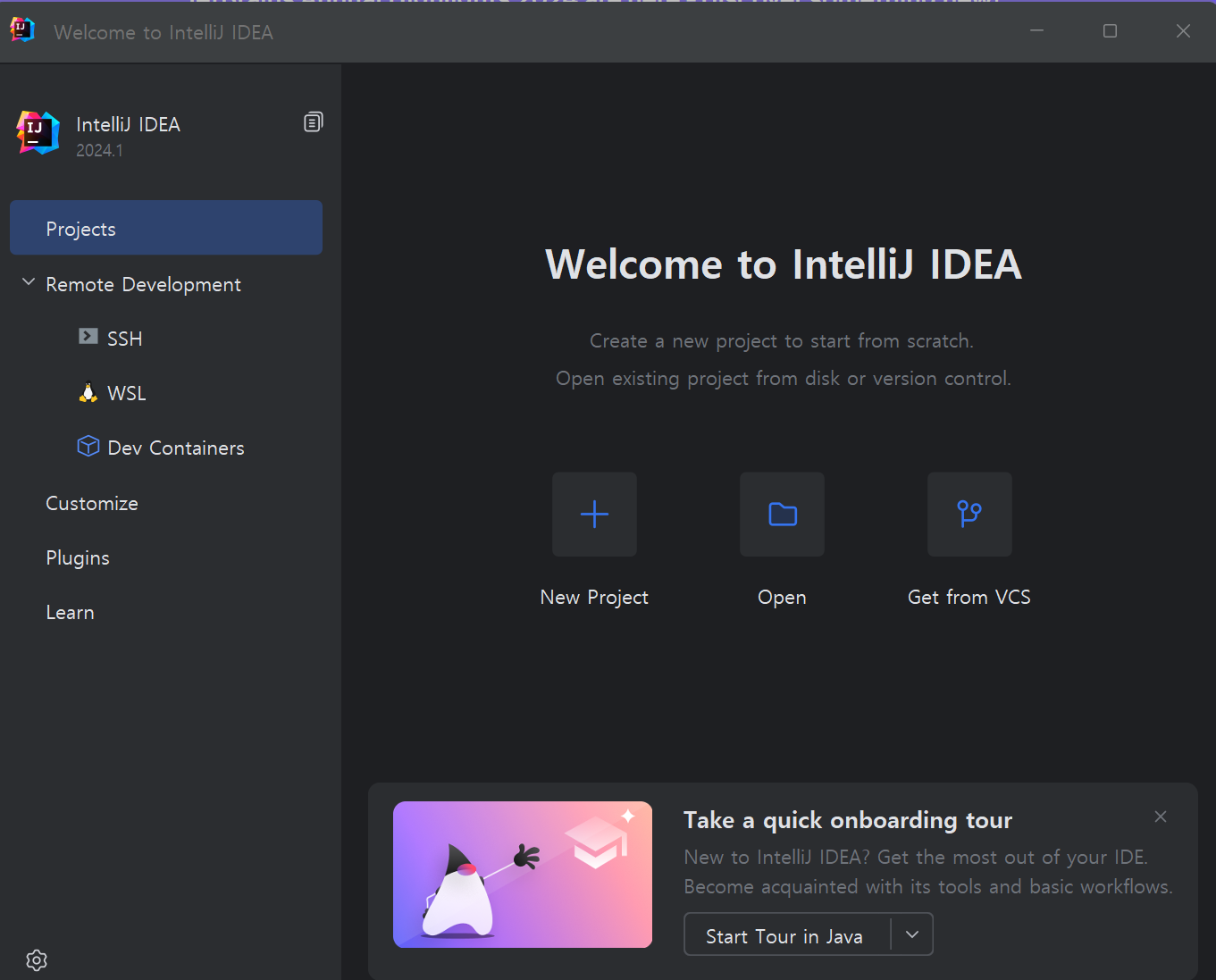
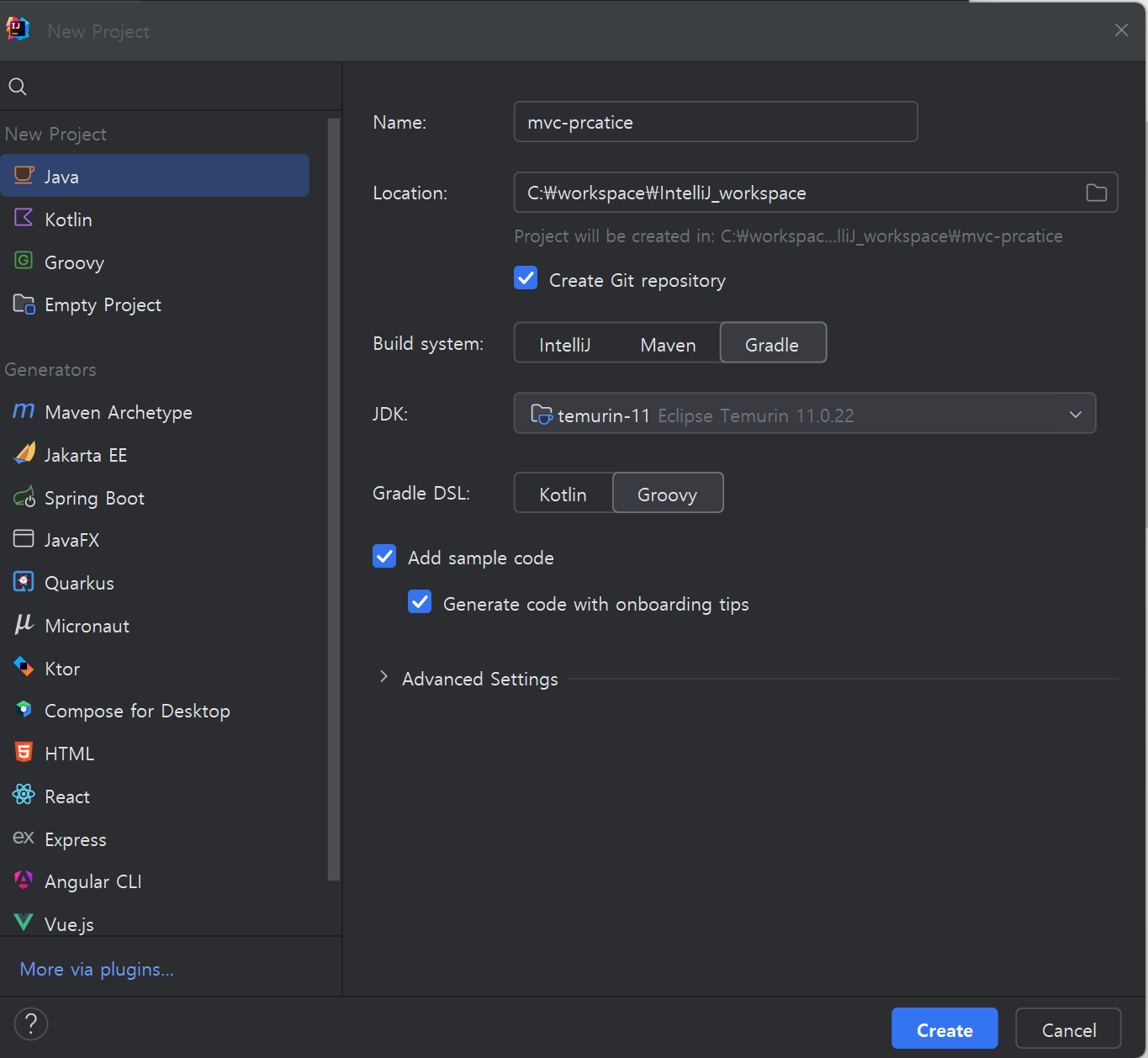
IntelliJ로 신규 프로젝트 생성하기
- 프로젝트명: mvc-practice
- 경로: 원하는 곳
- 언어: java
- 빌드: gradle
- JDK: 테무린 11
 |
 |
IntelliJ로 SpringBoot 프로젝트 빠르게 생성하는 법
아래와 같은 항목을 선택하면 됨
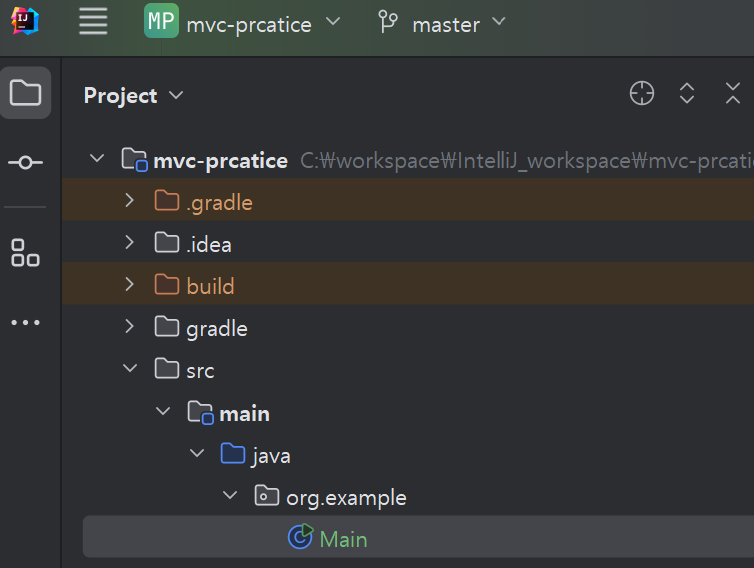
의미를 보이 위해 Main을 WebApplicationServer로 변경
 |
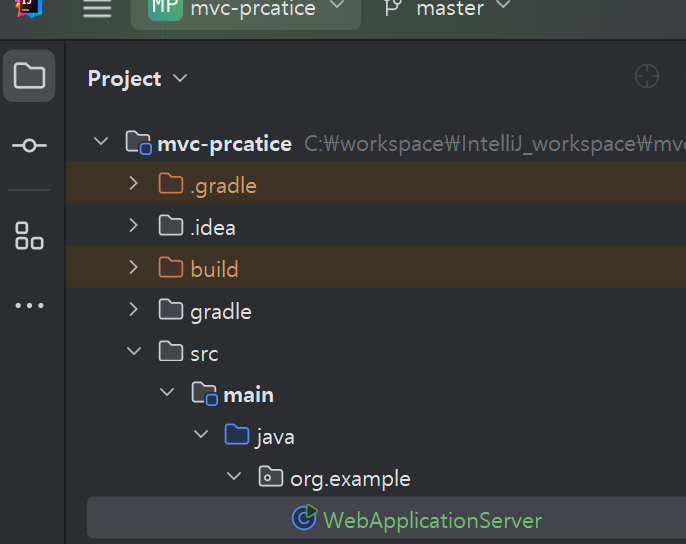 |
Dependency 추가
프로젝트 구성에서 External Libraries를 확인하면 어떠한 의존성들이 들어갔는지 확인할 수 있다.

Maven Repository 에서 Dependency 확인 가능
- 아래의 링크로 접속 후 원하는 dependency 검색
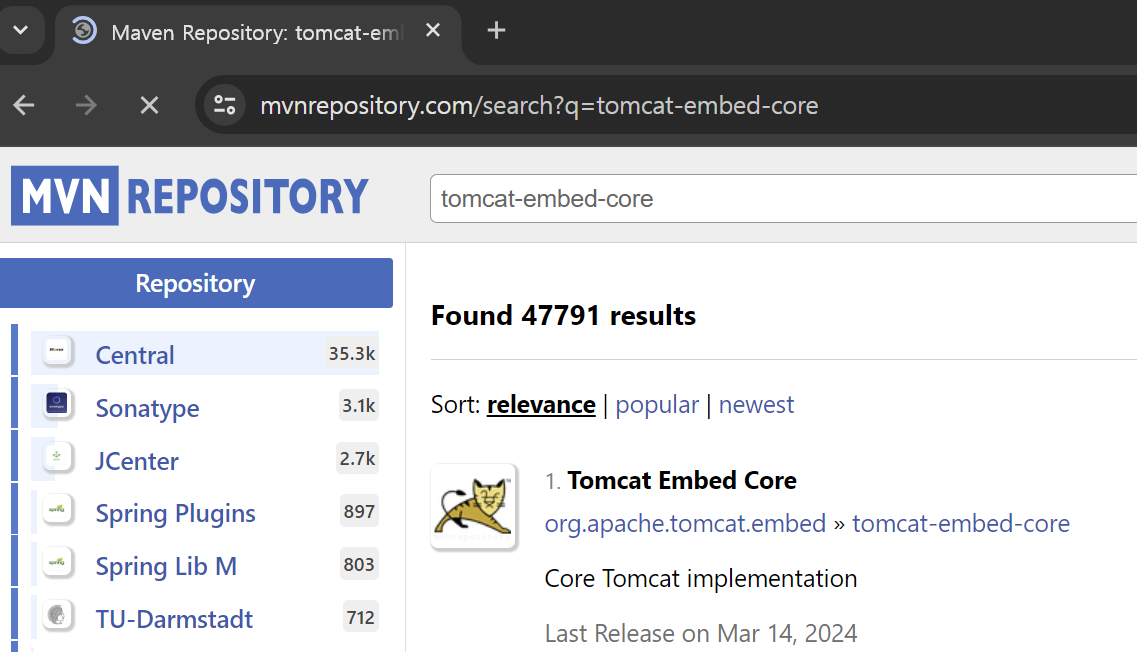
- 버전을 클릭
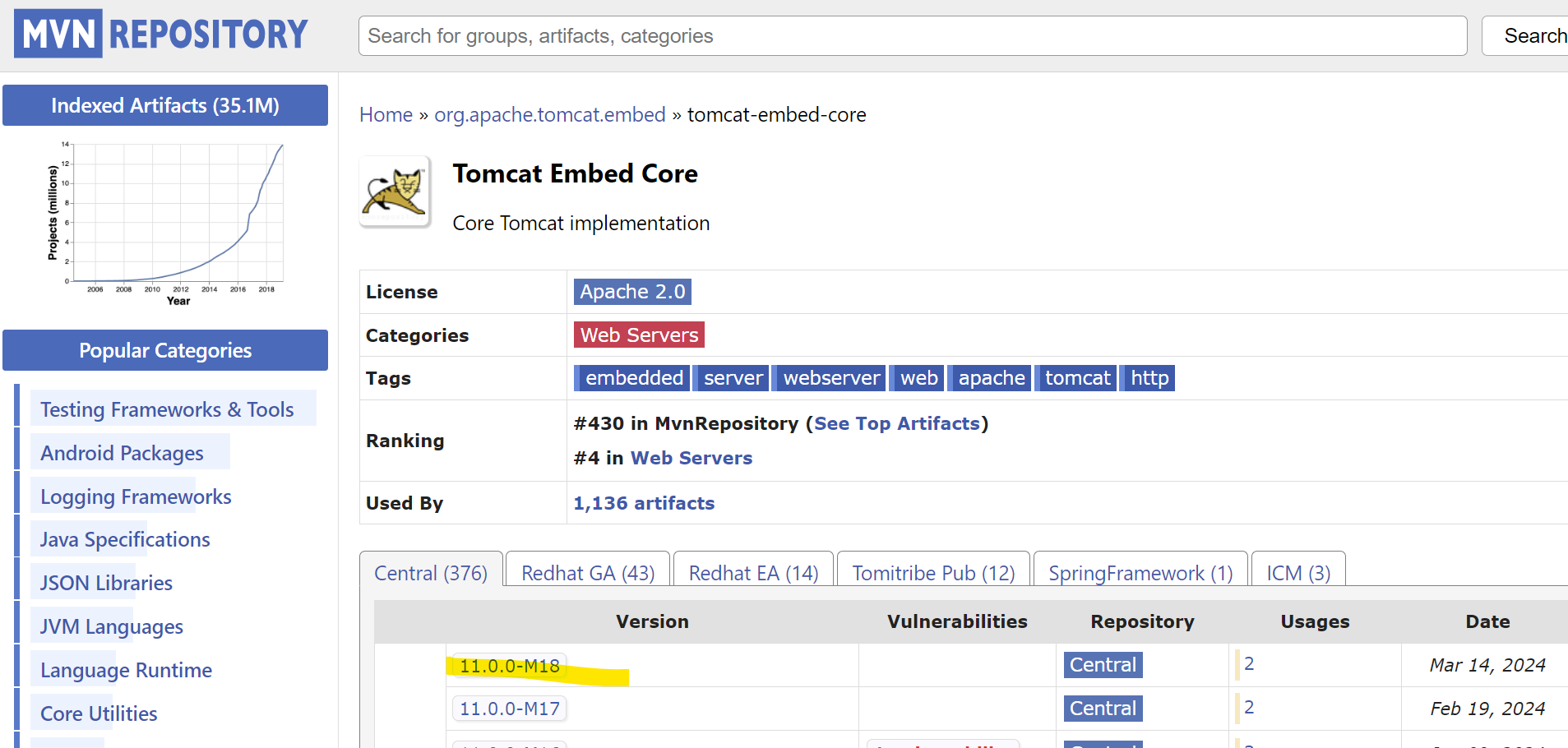
- gradle에서 원하는 부분만 copy하여 사용

라이브러리 사용하는 방법
① 우리가 생각하는 dendency 먼저 생각
② Maven 저장소에 입력
③ 해당 라이브러리에서 (우리는 gradle 사용 중이니까) gradle 복사해서 붙여넣어 사용
웹어플리케이션을 위한 라이브러리
dependencies {
    // ① WepApplicationServer를 만들기 위한 EmbeddedTomCat 의존성 추가
    implementation 'org.apache.tomcat.embed:tomcat-embed-core:8.5.42'
    implementation 'org.apache.tomcat.embed:tomcat-embed-jasper:8.5.42'

    // ② java로 WebApplicationServer를 만들기 위해서는 Servlet이 필요
    implementation 'javax.servlet:javax.servlet-api:4.0.1'
    // ③ servelet 구성시 화면을 통해 확인하기 위해 JSP로 확인(지금은 잘 사용X)
    implementation 'javax.servlet:jstl:1.2'
    // ④ 로그 출력을 위한 라이브러리
    implementation 'ch.qos.logback:logback-classic:1.2.3'
    }
IntelliJ에서 라이브러리 import 단축키
F2 : 가장 근처에 있는 빨간 글씨로 이동
Alt + Enter : 자동 import
F4 : 모듈 설정 변경 창
Gradle > IntelliJ IDEA로 변경
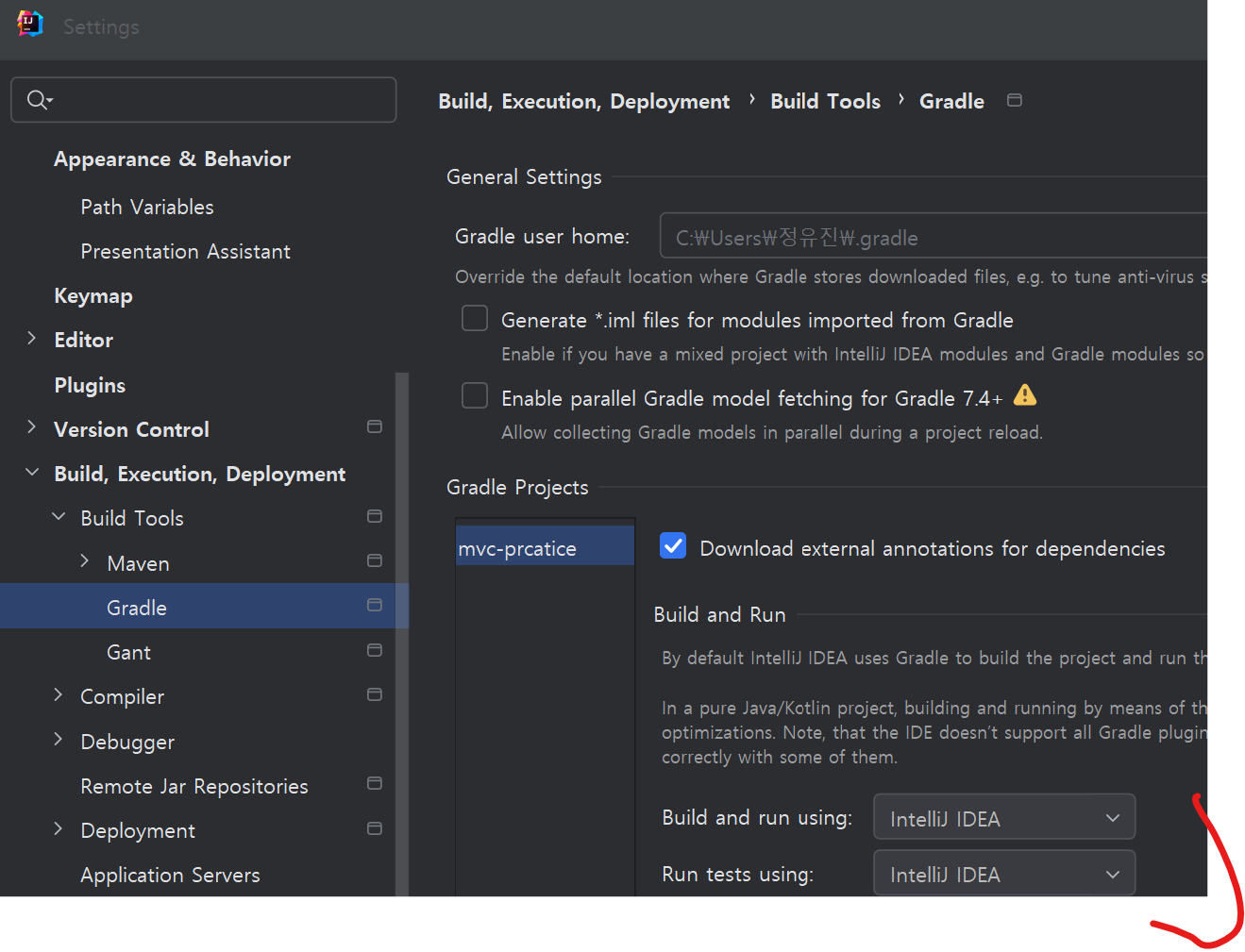 |
IntelliJ IDEA가 조금 더 빠르다 |
아파치 톰캣 가이드라인에 따라서 build 위치 변경
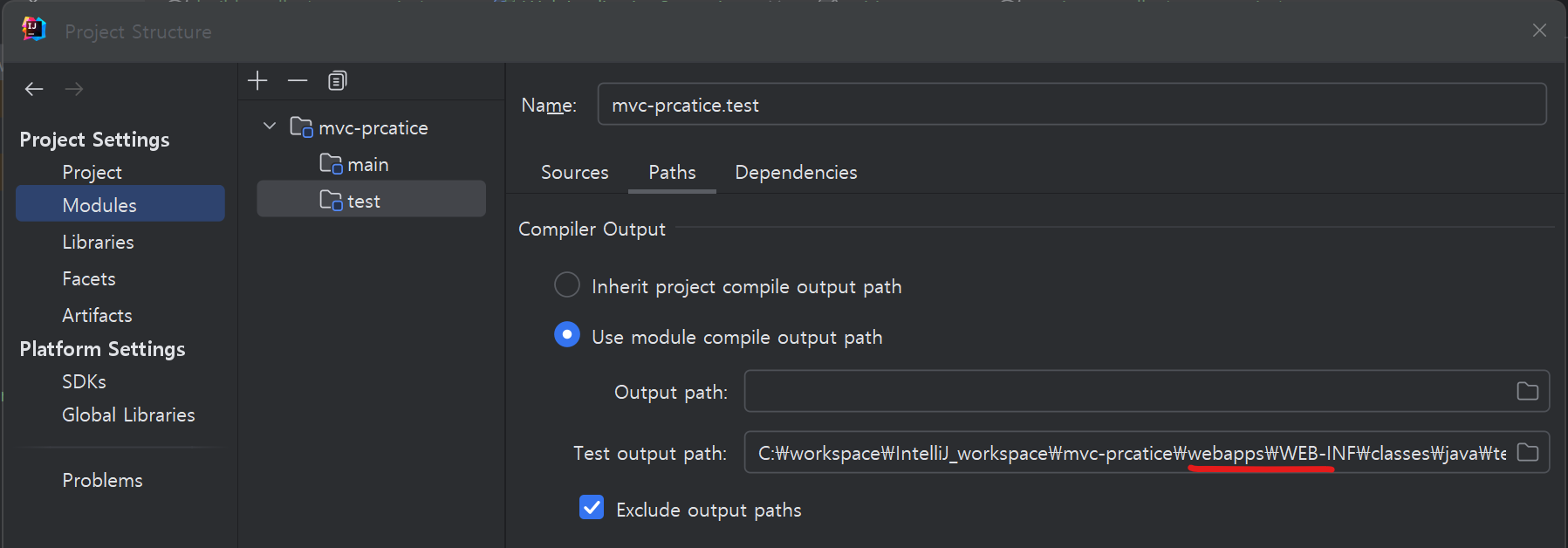 |
F4 > build 또는 out을 webapps\WEB-INF로 변경 |
아파치 톰캣이 실행될 때는 각 버전별 해당 가이드 라인에 따름
Standard Directory Layout
톰캣8의 경우
https://tomcat.apache.org/tomcat-8.5-doc/appdev/deployment.html
Application Developer's Guide (8.5.100) - Deployment
Before describing how to organize your source code directories, it is useful to examine the runtime organization of a web application. Prior to the Servlet API Specification, version 2.2, there was little consistency between server platforms. However, serv
tomcat.apache.org
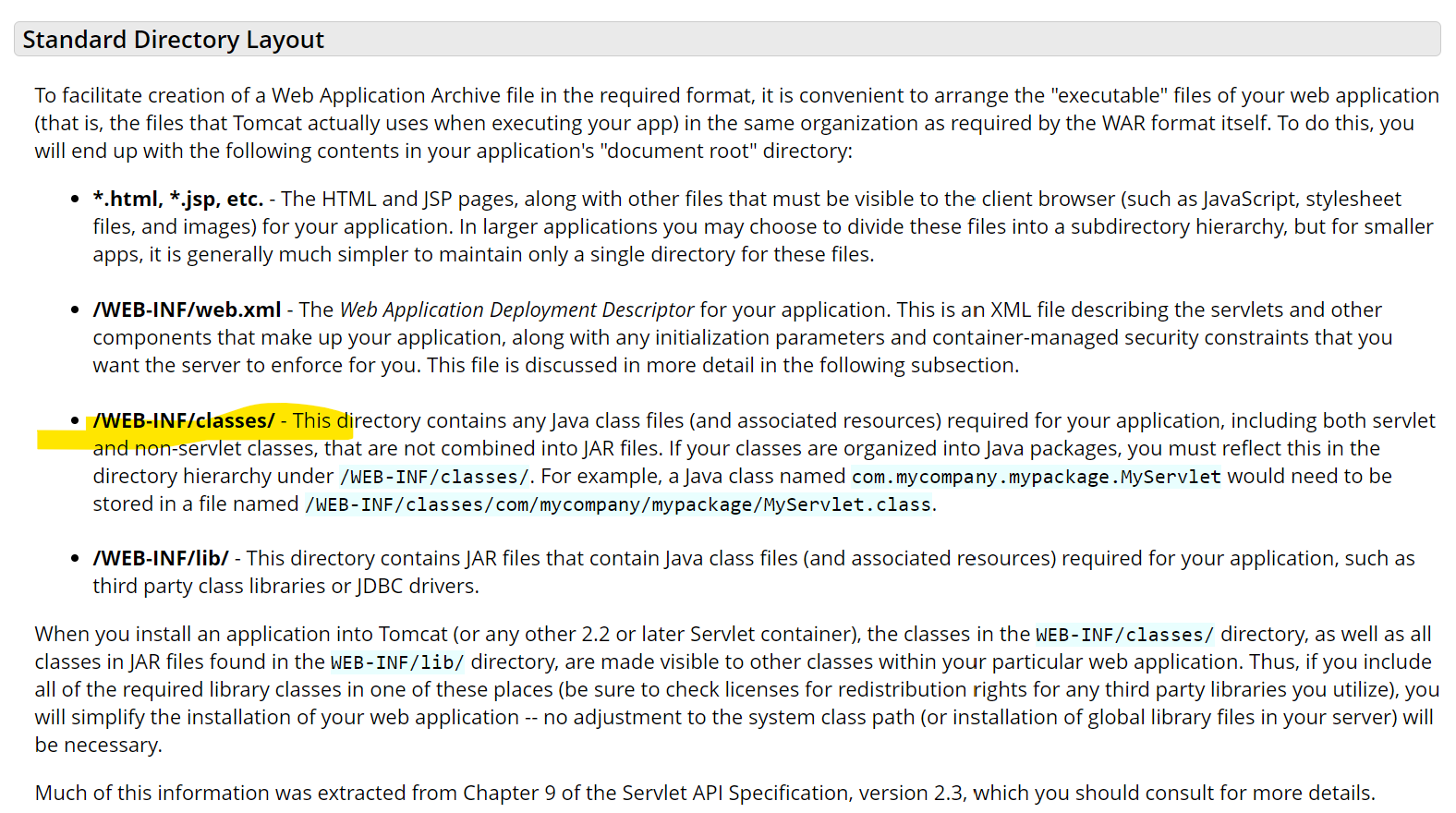
우리가 쓰는 톰캣9의 경우
https://tomcat.apache.org/tomcat-9.0-doc/appdev/deployment.html
Application Developer's Guide (9.0.87) - Deployment
Before describing how to organize your source code directories, it is useful to examine the runtime organization of a web application. Prior to the Servlet API Specification, version 2.2, there was little consistency between server platforms. However, serv
tomcat.apache.org
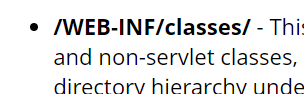
- root 디렉토리 밑/webapps/WEB-INF/classes에 우리의 java가 빌드되어 들어감

'Spring' 카테고리의 다른 글
| [Spring] MVC 00 : 개발 환경 구축하기 ① : 테무린 JDK 11, IntelliJ, 톰캣 설치하고 환경 변수 설정하는 방법 (1) | 2024.04.06 |
|---|